Account
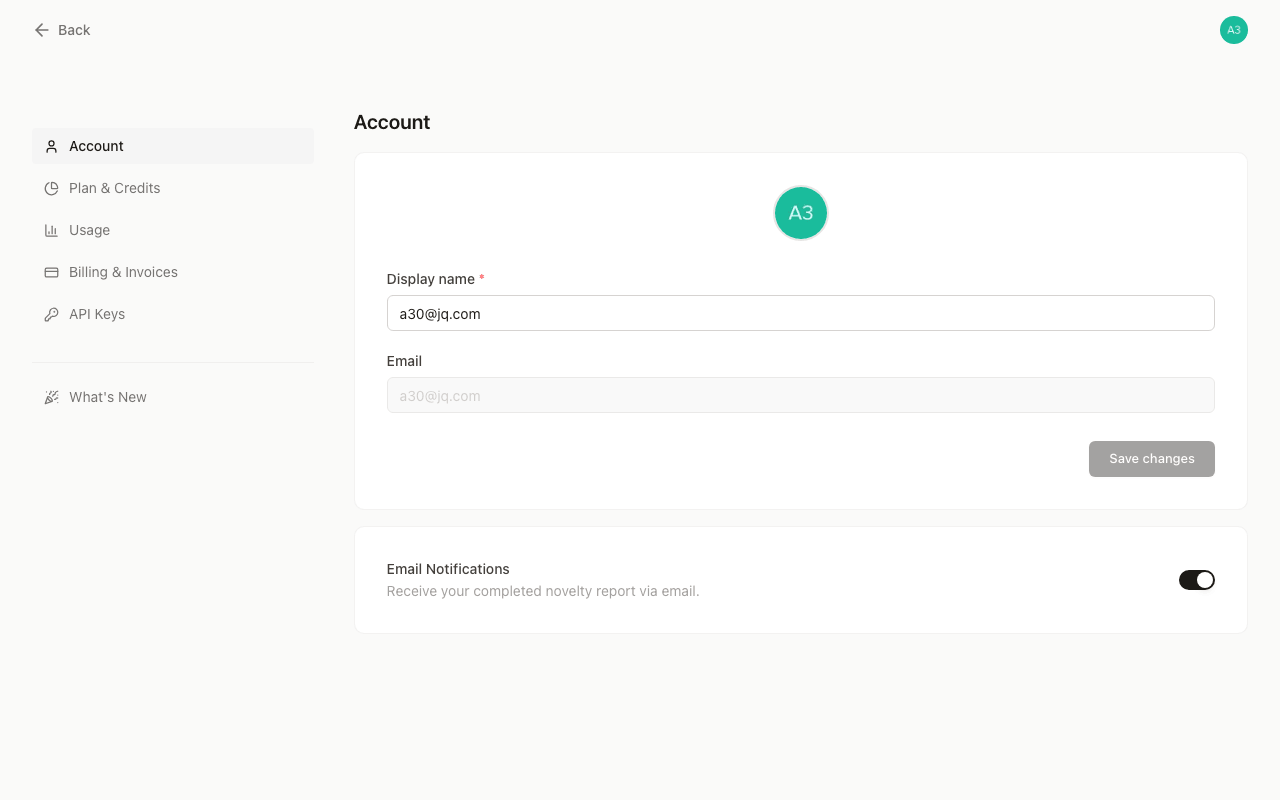
Your account settings are where you control everything personal to your GoVeda account — your name, avatar, notification preferences, and a full log of every credit you have spent.
Accessing settings
Go to goveda.com/settings (or click your avatar in the top-right corner and select Settings). The settings area has two pages:
| Page | What it does |
|---|---|
| Profile | Edit your display name and avatar, reset your password, toggle email notifications, and delete your account |
| Usage | Browse a time-filtered, paginated log of every operation that consumed credits |
Credits
GoVeda uses a credit system to meter AI-powered operations. Each search query, novelty report, and API call deducts credits from your balance. You can see your current balance at any time on the Plan & Credits page. The Usage page shows you the detailed history behind that number.
Next steps
Last updated on