Getting Started
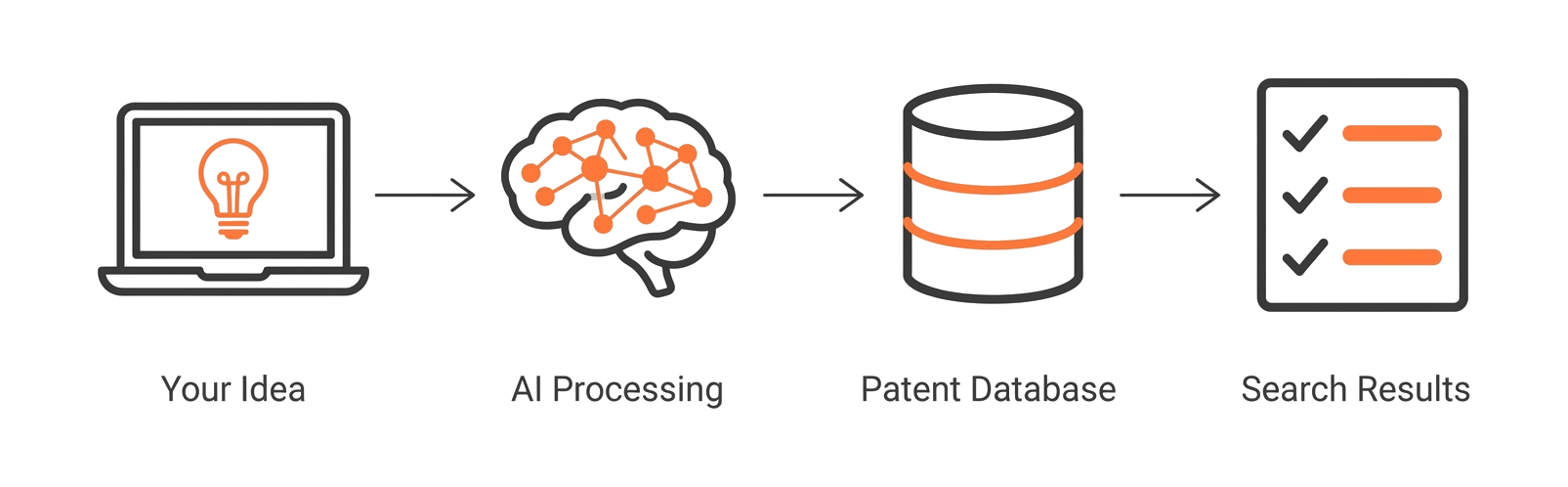
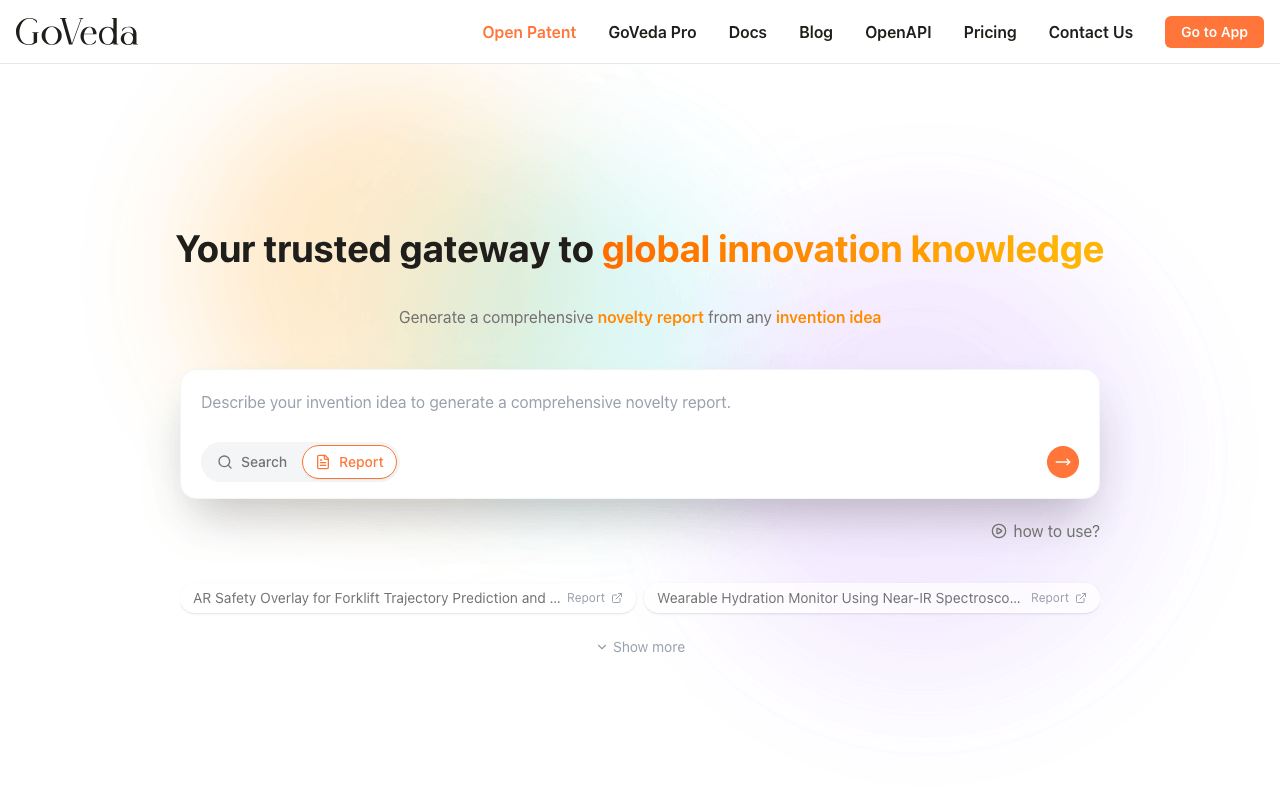
GoVeda is an AI-powered patent intelligence platform that lets you search 220M+ patents across 108 jurisdictions, generate patentability reports, read patents in depth, and chat directly with patent documents.
Whether you’re filing your first patent application, conducting a freedom-to-operate study, or monitoring a technology space, GoVeda gives you the tools to work through prior art faster.
Who uses GoVeda
GoVeda is built for anyone who works with patents:
- Inventors and entrepreneurs who want to check whether their idea already exists before filing
- Patent attorneys and agents who need to search prior art quickly and generate defensible analysis
- IP teams at companies managing portfolios, tracking competitors, or evaluating technologies
- Researchers and engineers exploring the state of the art in a technical area
You don’t need to know patent classification codes or Boolean search syntax. GoVeda understands plain-language descriptions of technology.
Core capabilities
Search
Semantic search
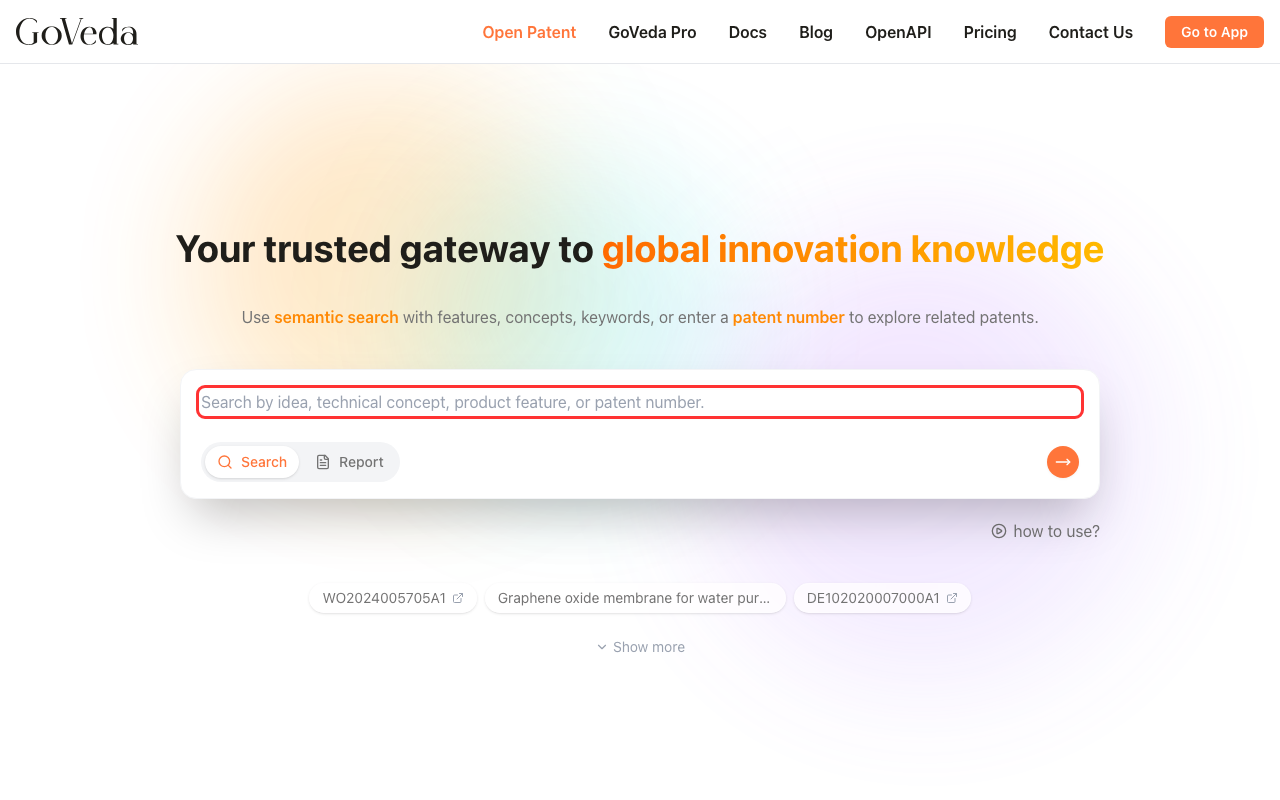
Describe a technology in plain language and GoVeda finds relevant patents. You’re not limited to keywords — the search engine understands concepts, so phrases like “a hinge that locks at any angle using friction” will surface relevant results even if those exact words don’t appear in the patents.
You can also look up a patent directly by number. Enter a patent number (for example, US10234567B2) and GoVeda takes you straight to that patent.
Patent viewer
Every patent in the search results links to the Patent Viewer, a full reading environment organized into tabs: Details (abstract, claims, description, classifications, timeline), Summary (AI-generated analysis), PDF (original document), Family (related filings in other jurisdictions), Legal (status events), and Citations (prior art and cited-by). A Drawings panel can be opened alongside any tab for side-by-side reading.
Dual View splits the screen into two independent tab panels, so you can read Details in one panel and Summary or Citations in the other. The Drawings panel is separate and can be toggled on alongside either view mode.
Chat with patents
From any patent, open the chat panel and ask questions in plain language. GoVeda answers based on the patent text and links its responses back to specific claims or paragraphs you can click to verify.
Plans
GoVeda has two main plans:
| OpenPatent (Free) | OpenPatent Pro | |
|---|---|---|
| Searches | Unlimited, up to 500 chars per query | Unlimited, up to 10,000 chars per query |
| Reports | Partially redacted | Full, unredacted |
| Patent summaries | Yes | Yes |
| Chat with patents | Yes | Yes |
| API access | No | Yes |
| Price | Free | Starting at $200/month |
Pro plans come with a 14-day free trial, no credit card required.
For full pricing details, credit tiers, and billing information, see Plans & Billing.
Next steps
If you’re new to GoVeda, start here: