Sample Reports
Sample reports are pre-generated, fully unlocked Novelty Analysis Reports on real invention topics. They are available to everyone with no login or subscription required. Reading through a sample is the fastest way to understand what a GoVeda report contains before you generate your own.
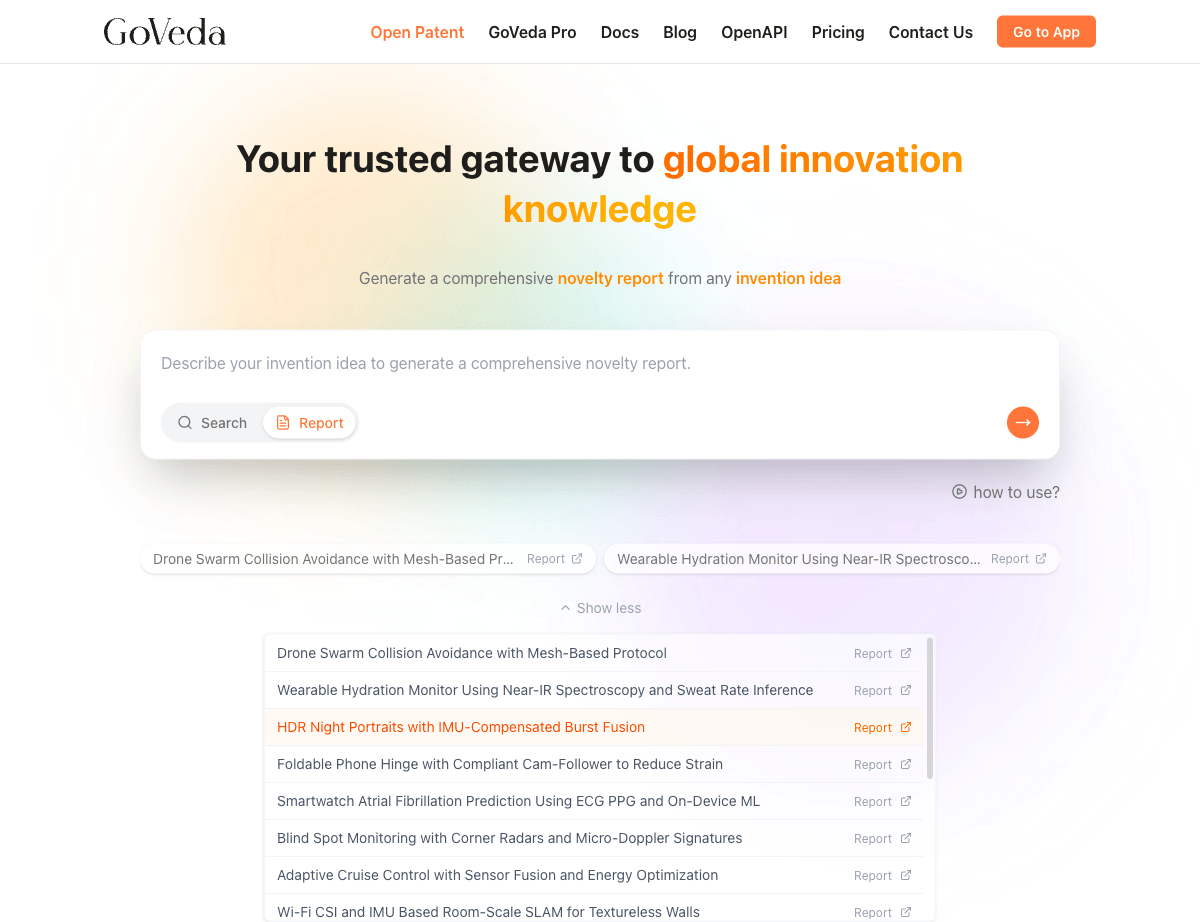
Available Samples
GoVeda maintains several sample reports covering distinct technology domains. Current examples include:
Wearable health monitoring and on-device machine learning using ECG data
Smartwatch Atrial Fibrillation PredictionOptical engineering and mobile camera technology for smartphones
Periscope Telephoto Zoom Lens SystemDistributed ledger applications in fashion and textile supply chain
Blockchain Traceability for Textile IndustryThe list of available samples may change as new examples are added. The current samples are listed on the GoVeda home page.
How to Access Sample Reports
Go to the home page
Go to the GoVeda home page.
Find the samples section
Look for the Sample Reports or Try a Sample section.
Open a sample
Click any sample to open it.
Sample reports are accessible directly at URLs like www.goveda.com/report/sample-1, sample-2, and so on. No login is required.
What You Can Do with a Sample Report
Sample reports are fully unlocked. You can read every section, including the full Prior Art Analysis, patent citations, and expanded patent cards. All patent identifiers and links are visible.
You can also:
- Export the sample as a PDF (no login required)
- Browse linked patents from within the report
You cannot send a sample report to email or create a share link for it, since samples are already publicly accessible.
Walking Through a Sample
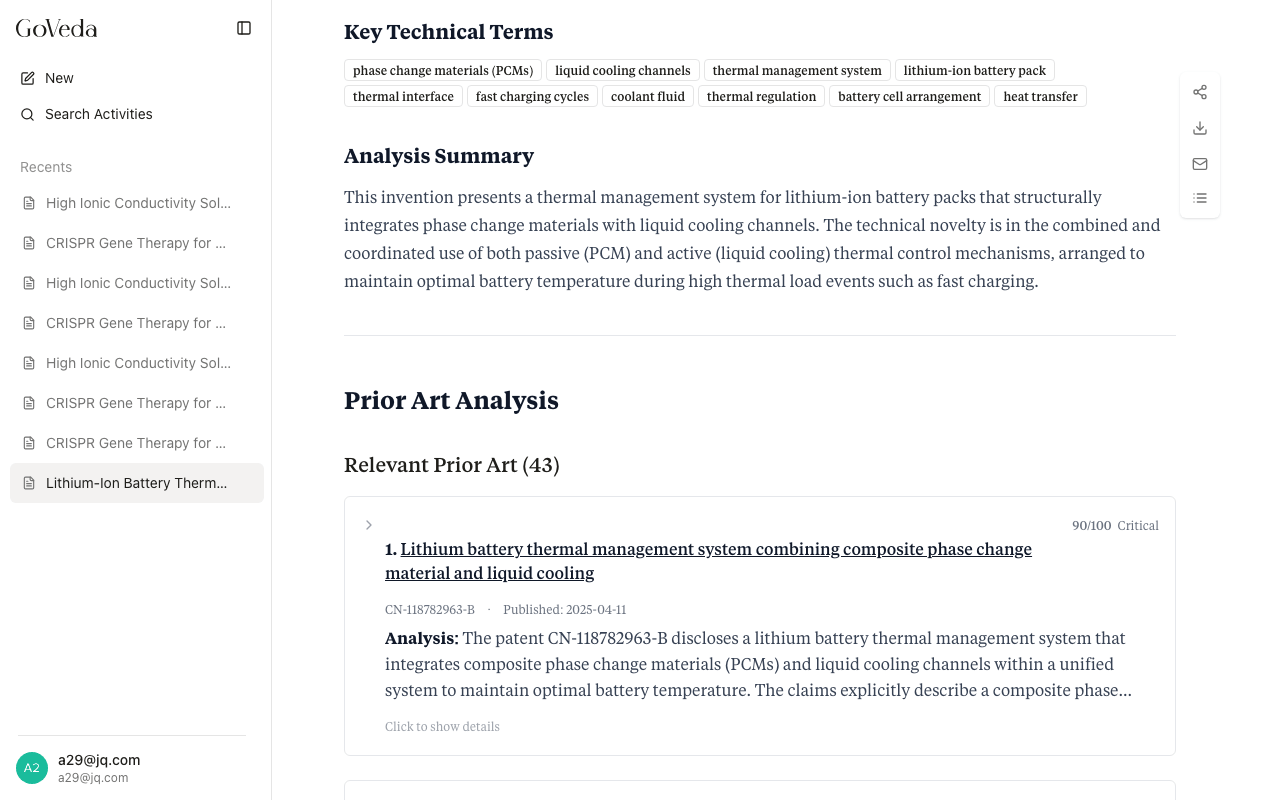
When you open a sample, start with the Executive Summary. It gives the patentability verdict and the core reasoning in one read. This shows you the tone and depth of GoVeda’s analysis.
Next, scroll to the Query Analysis section. The Novelty Features table shows how GoVeda broke the invention description into discrete features. This is the structure underlying the Prior Art Analysis.
Then expand a few patent cards in the Prior Art Analysis. Click a card header to expand it and read the Relevant Excerpts, Technical Overlaps, Key Differences, and Novelty Feature Analysis. This per-patent breakdown is what distinguishes a GoVeda report from a simple patent search.
Finally, review the Patent Citations section at the bottom to see the formatted reference list.
Generating Your Own Report
Once you have explored a sample, generating your own report works the same way. Switch to Report mode in the search interface, enter your invention description, and click Generate.
See Patentability Report for step-by-step instructions.